
What’s the point of Exposure Compensation?
Have you ever wondered what the Exposure Compensation feature on your camera is for? It’s surprising how many people don’t know what it’s actually for, so if that’s you, read on…
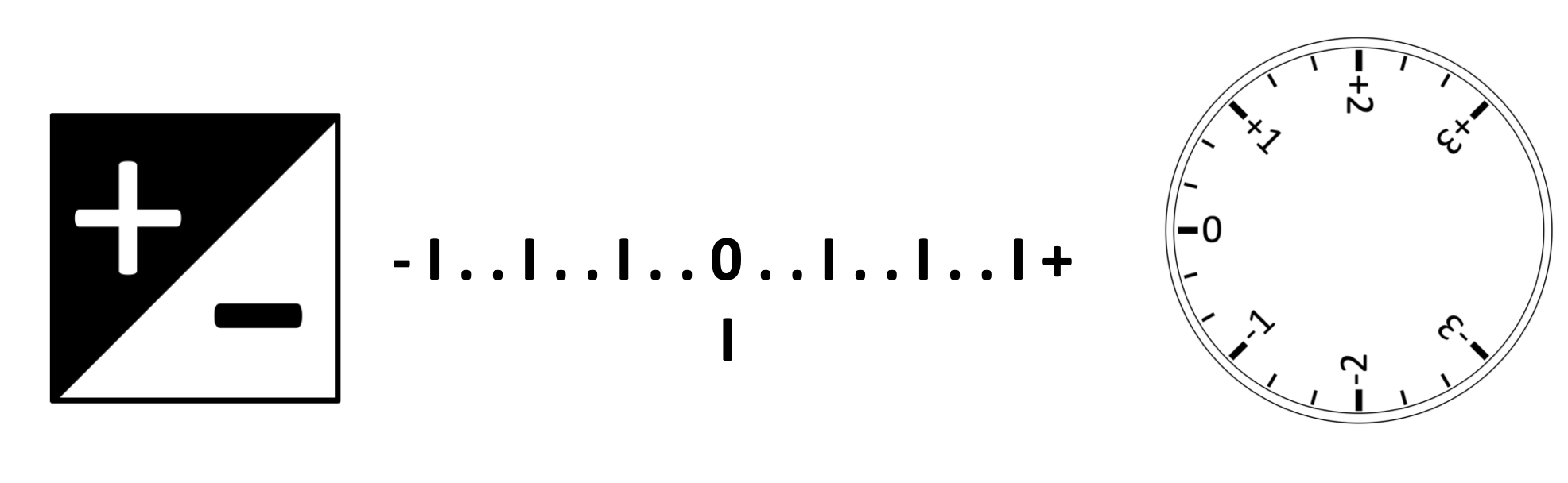
On some cameras the exposure compensation (EC) feature is shown as a +/- symbol (image above, left) while other cameras (usually the more consumer level or compact models) have a dedicated dial (image above, right).
So what exactly is it for? Well the first thing to say is that if you’re shooting in full Manual Mode, it’s usually disabled and carries out absolutely no function whatsoever!
(N.B. Some camera models will use it in Manual Mode as an effective means of re-calibrating the built-in light meter - image above, centre - by the selected amount of stops, but for the purpose of this explanation I’ll ignore this option here)
Exposure Compensation is intended to be used only in semi-automatic modes as a way to either brighten or darken an image. Because the camera’s built-in light meter is calibrated to achieve accurate exposure by recording light at a mid grey tone, lighting conditions which lack the contrast the camera needs to find this tone can create confusion and cause it to misread the light. For example, a bright object against a bright background can trick the camera into underexposing the scene. Similarly a dark object against a dark background can lead to over-exposure. It might seem counter-intuitive but in such conditions you should dial in positive (+) exposure for bright or backlit scenes and negative (-) exposure for darker scenes in order to achieve the correct exposure. Of course, when shooting in “normal” lighting conditions, the EC will simply brighten or darken the image.
So what’s actually happening? When shooting in Aperture Priority Mode, EC will simply adjust the shutter speed. In Shutter Priority Mode it will adjust the aperture. If auto ISO is enabled in either of these modes, the camera will also adjust ISO as necessary, while aiming to avoid overly slow shutter speeds in Aperture Priority or overcome the physical limitations of Aperture in Shutter Priority.
That’s why when shooting in full Manual Mode, and each of the exposure variables is set manually, exposure compensation is entirely disabled. The only time it will have any impact in Manual Mode is if the ISO is set to AUTO. As a general act of housekeeping, if you do ever change the exposure compensation value for any reason, I’d recommend always setting it back to zero afterwards because turning the camera off doesn’t automatically reset this feature.